How to Watch UK TV Abroad with a Fire Stick and NordVPN
Whether you’re spending a week in Spain, skiing in the Alps, enjoying a city break or travelling further afield, there may come a time when you fancy watching something familiar.
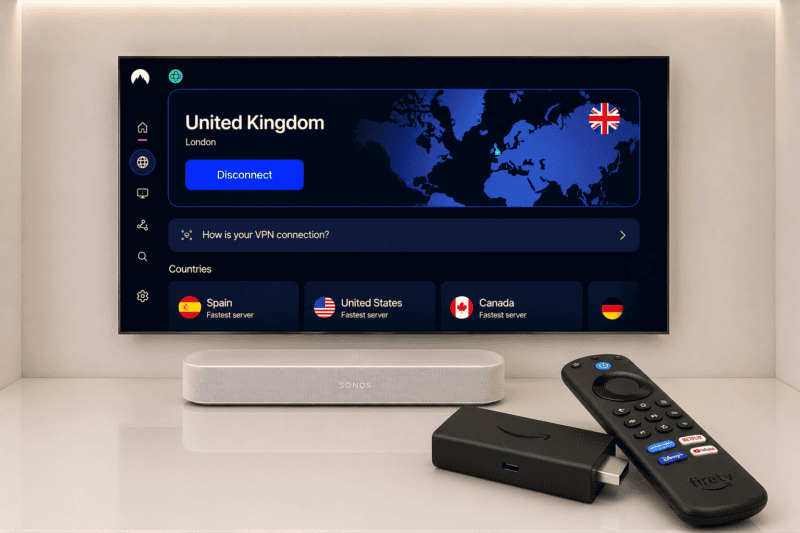
After more than five years of using NordVPN, it’s still the VPN we rely on whenever we want to watch UK TV abroad. Combined with our Amazon Fire Stick, it gives us exactly the same TV experience we have at home, wherever we are.
In this article I’ll explain exactly how we do it.
How to Watch UK TV Abroad on an Amazon Fire Stick
It’s actually very simple.
- Sign up for NordVPN.
- Download the NordVPN app onto your Amazon Fire Stick.
- Connect to a UK server.
- Open BBC iPlayer, ITVX, Channel 4 or Channel 5.
- Enjoy your favourite programmes just as you would at home.
We’ve been doing exactly this for more than five years.
The UK Streaming Services We Actually Use
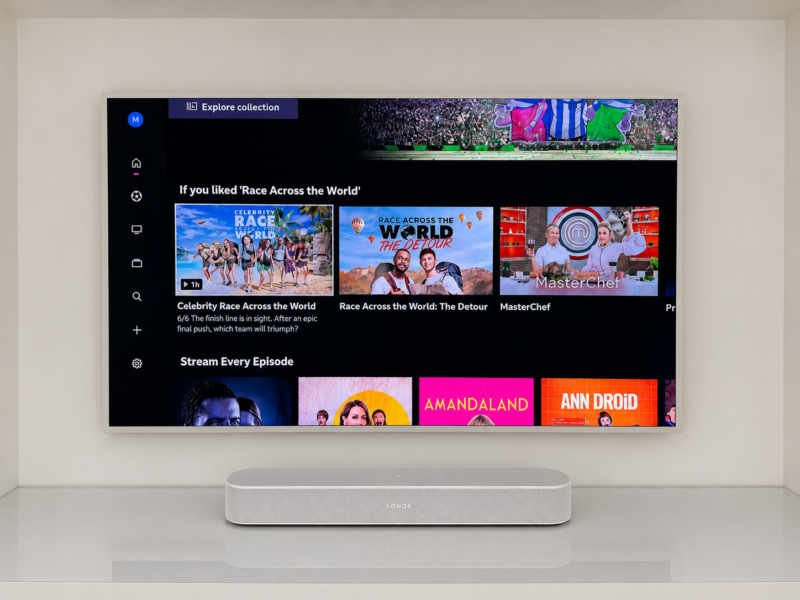
These are the streaming services you’ll find on our Fire Stick whenever we travel.
- BBC iPlayer – BBC News, children’s programmes, Race Across the World and whatever everyone happens to be talking about.
- ITVX – British dramas and entertainment.
- Channel 4
- Channel 5
- Hayu – absolutely worth every penny if you’re a Real Housewives or Below Deck fan. 🤭
- Discovery+ – mainly for the sport.
- Netflix
- Disney+
- Prime Video
One service we haven’t found as reliable is NOW (Sky). Streaming services regularly change how they detect VPNs and, in our experience, it simply hasn’t worked as consistently as the services above. I’d much rather tell you that honestly than pretend everything works perfectly.
Why We Always Travel with an Amazon Fire Stick
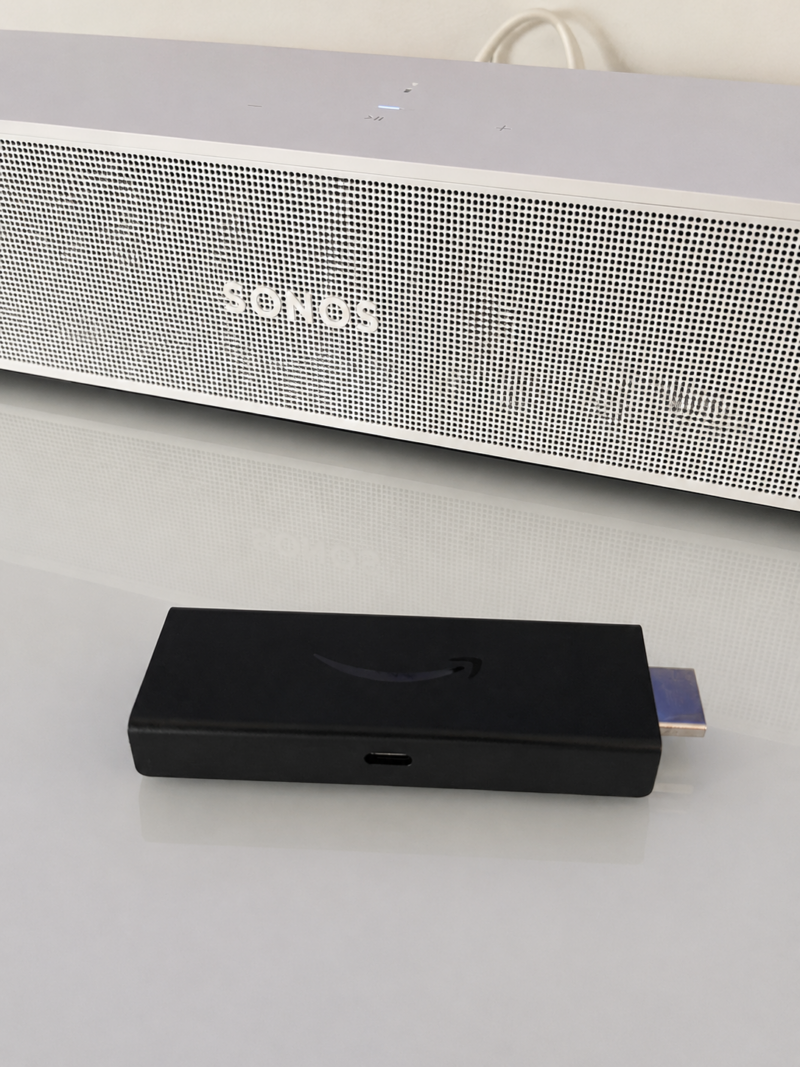
Our Fire Stick has become one of those things we automatically pack.
We don’t travel to watch television. Most days we’re out from breakfast until dinner, making the most of wherever we are.
By the time our little one is asleep, it’s usually around 8.30 or 9pm, so our evenings aren’t exactly long. We’ll pour a glass of wine, plug in our Fire Stick and watch whatever we fancy.
Sometimes it’s BBC News. Sometimes it’s Race Across the World, The Graham Norton Show or Dragons’ Den. Other evenings it’s Hayu and Below Deck. 🤭
The point isn’t that we watch television every day. It’s that we can.
Instead of scrolling through random hotel channels, we have exactly the same TV experience we have at home. Everything is already logged in, all our favourite apps are there, and within a couple of minutes we’re watching exactly what we want.
Why I Recommend NordVPN
I’ve been a paying NordVPN customer for more than five years. Originally, I subscribed so we could watch UK television while travelling.
Today, I use it for much more than that.
Booking Travel
Living in Spain means I naturally see Spanish search results, Spanish retailers and Spanish travel offers. That’s exactly what I want most of the time.
But if I’m planning a trip to the UK or the USA, I’ll often switch my virtual location so I can browse as though I’m already there. It helps me compare hotel prices, flights, retailers and search results from the country I’m actually travelling to.
In fact, I recently used screen recordings I’d made while searching from Greece, Spain, the UK and the USA to support a Best Rate Guarantee claim with a major hotel chain. The claim was successful, and I received more than €1,200 back.
Shopping
I also use NordVPN when researching shopping before a trip. If I’m travelling to the USA, I want to see American search results and American retailers, not Spanish ones. The same applies when I’m planning a trip back to the UK.
Public Wi-Fi
Whether I’m in a hotel, airport lounge or café, I also like the extra peace of mind of using NordVPN when connecting to public Wi-Fi.
What about at home? When we’re not travelling, our Fire Stick plugs right into our Samsung Frame TV paired with our Sonos sound bar. But the best part is that when it’s time to pack, the Fire Stick easily unplugged and comes with us!
Final Thoughts
For me, NordVPN started as a way to watch UK TV abroad. More than five years later, it’s still one of the subscriptions I happily renew every year. We use it to watch our favourite programmes when we’re travelling, compare hotel prices, research shopping before a trip and browse more securely on public Wi-Fi.
If you’re looking for a VPN to watch BBC iPlayer, ITVX, Channel 4 and Channel 5 abroad on your Amazon Fire Stick, it’s the one I genuinely use myself and have trusted for years.
| Item | Why you need it |
|---|---|
| 1. NordVPN | To securely connect to a UK server while travelling. |
| 2. Amazon Fire TV Stick | So all your favourite apps travel with you. |
We’ve used this combination for more than five years, and it’s still one of the best travel investments we’ve made.
Mrs. O
P.S. If you’re planning your next trip, you might also enjoy:
- ✈️ My Long-Haul Flight Essentials – everything I actually pack after 25 years of flying.
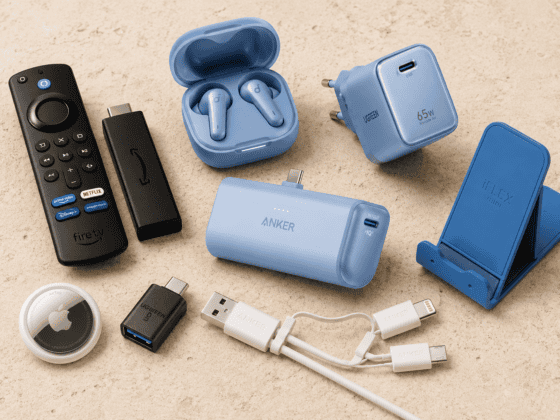
- 🔌 My Favourite Travel Tech – the gadgets I genuinely use on every trip, from power banks to our Amazon Fire Stick.
Frequently Asked Questions
Can I take an Amazon Fire Stick in my hand luggage?
Yes. We always travel with ours in our hand luggage and have never had any issues. It’s small, lightweight and one of those travel gadgets we wouldn’t leave home without.
Can I use an Amazon Fire Stick abroad?
Yes. As long as the television has an HDMI port and you have access to Wi-Fi, your Fire Stick will work just as it does at home.
Can I use an Amazon Fire Stick in a hotel?
Usually, yes. Most modern hotel televisions have an HDMI port. Simply connect your Fire Stick, join the Wi-Fi and you’re ready to go. We also use ours in holiday apartments and villas.
Can I watch BBC iPlayer abroad?
BBC iPlayer is normally only available in the UK. We use NordVPN to connect to a UK server before opening BBC iPlayer on our Fire Stick or other devices. Please note you need a UK TV Licence in order to watch BBC.
Can I watch ITVX, Channel 4 and Channel 5 abroad?
Yes. We use exactly the same setup for ITVX, Channel 4 and Channel 5 whenever we’re travelling. Simply connect to a UK server with NordVPN before opening the app.
Does NordVPN work on an Amazon Fire Stick?
Yes. NordVPN has its own Fire TV app, making it quick and easy to connect to a UK server directly from your Fire Stick.
Is the standard Amazon Fire Stick enough for travel?
For us, yes. We use the standard Amazon Fire TV Stick and it does everything we need when travelling.
Should I buy a separate Fire Stick just for travel?
You don’t need to, but it’s something we’re considering. At the moment we unplug ours from the living room before every trip, but having one permanently packed in our travel tech pouch would make life even easier.
Is it worth taking a Fire Stick on holiday?
For us, absolutely. We don’t travel to watch television, but when we do fancy a quiet evening, we’d much rather watch BBC iPlayer, ITVX, Hayu or Discovery+ than spend our time scrolling through random hotel channels.